Google sitelinks: how to get extra links under your search result (2026 guide)
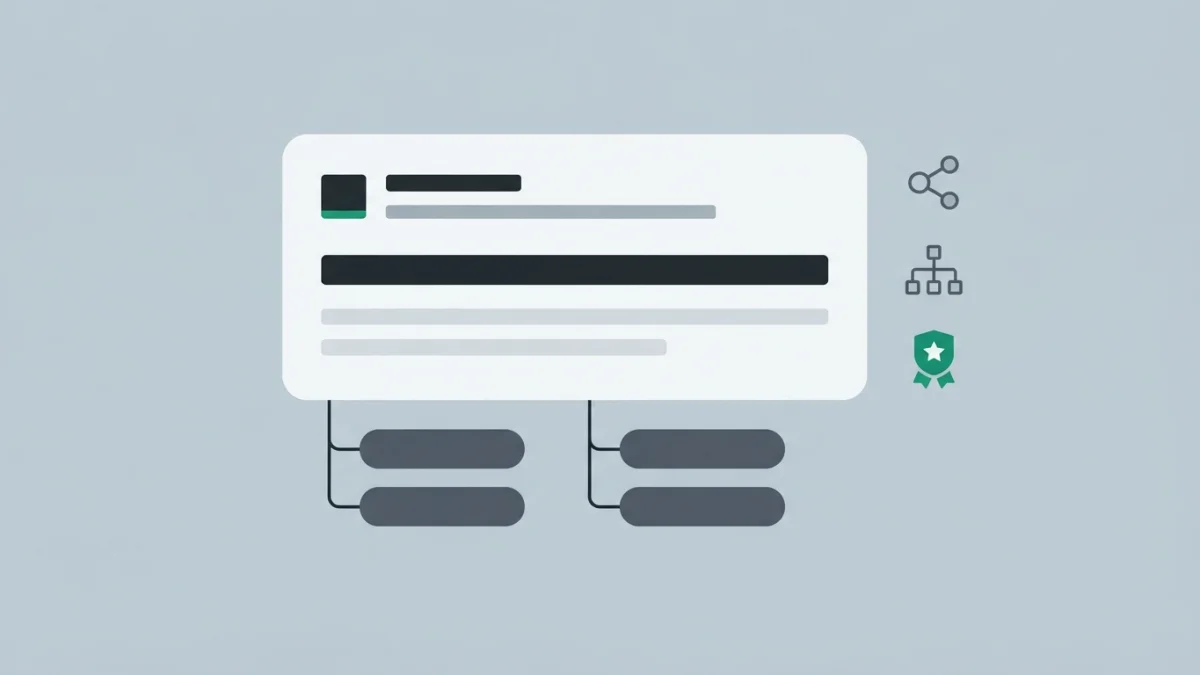
Table of contents
Some results show three or four extra links under the title, others show none. Those are Google sitelinks and, before you look for the trick, the bad news: you cannot request them, buy them, or generate them with any schema.
This guide covers what they are, how Google decides to show them and what you can actually prepare.
What are Google sitelinks (and why you cannot request them)
The official documentation defines them as "links from the same domain that are clustered together under a text result". The Visual Elements gallery adds the detail almost nobody quotes: they can be "two or more links from the same domain or its localized variations", and they may point to other pages, to headings, or to anchors within the same page. The sitelinks group is the whole block; each sitelink is a single link inside it.
And the rule that frames the whole article: they are fully automated ("At the moment, sitelinks are automated"). There is no markup, tag, form or Search Console setting to turn them on: any guide promising a trick is making it up. They are not a right either: they are only shown "when we think they'll be useful to the user", mostly on branded queries, and they vary by device, country and language. If a sitelink you dislike shows up, the only documented lever is removing that page or keeping it out of the index, as explained in meta robots and noindex.
The sitelinks search box: retired and with no effect
For years people repeated the advice of marking up the home page with SearchAction to enable a search box inside the result. That box no longer exists: Google removed the feature in November 2024 and deleted its documentation on November 29, 2024. The WebSite markup is still useful for the site name, but do not expect a search box from it.
How Google decides which sitelinks to show
"Our systems analyze the link structure of your site to find shortcuts that will save users time": sitelinks are a by-product of your internal linking. With no useful shortcuts to show, none are shown. The four official best practices:
- Informative, relevant and compact titles and headings: the sitelink text almost always comes from there.
- A logical, navigable structure, with important pages linked from other relevant pages, not only from the menu.
- Concise, relevant internal anchor text: "click here" does not describe a section.
- Avoid repetition in your content: two pages saying the same thing produce indistinguishable sitelinks.
What Google does not say, and you should not invent: there is no minimum number of links and no minimum site age.
Structure and anchors: where sitelinks are earned or lost
Link inwards with judgement (internal linking and anchor text) and keep a readable hierarchy in the URL and in the navigation (SEO friendly URLs). Filter URLs stay out of the group: they will never be sitelinks.
8 actions that make your site a sitelink candidate
- Pick four to six real, stable sections (services, pricing, blog, contact) and build them as proper pages.
- Link them from the home page and from related pages, using the real section name as the anchor.
- Write short, descriptive page titles (title tags that earn clicks): if the
<title>is a paragraph, the sitelink inherits the problem. - Use headings of three to six words, never "Welcome" or "More information".
- Replace generic anchors ("read more", "click here") with the topic of the destination page.
- Merge or remove pages competing for the same thing: they add noise, not two shortcuts.
- Make sure those sections are crawlable and indexable: outside the
robots.txtand with no CMS-inheritednoindex(robots.txt). - Work on your brand: with no brand demand there is no group to show (entity SEO).
Structural changes take time: Google has to recrawl the site and no report speeds that up.
The three pieces of your result you can prepare
The attribution of a result includes the site name, the favicon and the visible URL, made of the domain plus breadcrumbs. All three can be prepared.
Site name: how to state your preference
It is the text shown above the title, generated automatically from the content of your home page and from how other sources on the web refer to your site. Order matters: WebSite structured data on the home page is the most decisive signal; then come og:site_name, the <title>, headings and other text on the home page. The alternateName property lets you offer an alternative, such as an acronym. Google asks for a unique, concise and recognizable name, nothing generic, used consistently across sources.
Favicon: the requirements almost nobody checks
You declare it with <link rel="icon" href="/favicon.ico"> on the home page, although shortcut icon and apple-touch-icon are also accepted, and the file can be served from a CDN. The requirements that actually block you, per the documentation updated on August 28, 2026: a square 1:1 shape, a minimum of 8x8 pixels (more than 48x48 recommended), supported formats BMP, GIF, ICO, PNG, JPEG, PPM and TIFF, one favicon per hostname (subdirectories cannot have their own) and Googlebot-Image must be able to crawl the file. Block it and there is no favicon, and crawling can take days to weeks with no guaranteed outcome.
Visible URL and breadcrumbs
Google shows a readable URL made of the domain plus breadcrumbs, declared with Breadcrumb structured data. A clear hierarchy reads better in the result and reinforces the structure sitelinks come from (breadcrumbs and SEO).
Snippets and "read more" links: what is new in 2026
The snippet is built from your page content and the meta description, which should stay unique and specific (meta descriptions that improve CTR). The snippets documentation added in April 2026 the three conditions for your result to include a "read more" deep link to a specific section:
- Content must be immediately visible: nothing hidden behind tabs, accordions or "expand" buttons.
- Do not control scrolling with JavaScript on page load, for example by forcing a jump back to the top.
- Do not strip the fragment (
#) from the URL: if you use the history API orwindow.location.hash, respect it.
That is the other extra link that can appear without being a sitelink.
What no longer works in 2026 (even if many guides still say so)
- "Add
SearchActionto enable the sitelinks search box": removed in November 2024, with its documentation deleted on November 29, 2024. - "Mark up
FAQPageto earn a rich result": it stopped showing on May 7, 2026 and its documentation was removed on June 15, 2026. - "There is a sitelinks schema": there is none, they are automated and carry no markup.
- "You can buy them or request them in Search Console": there is no setting or report to request them.
- Do not confuse them with Google Ads: those link extensions are paid, not organic.
How to check and measure whether they appear
There is no sitelinks report in Search Console: checking is manual, searching your brand on mobile and desktop. What you do measure is the effect: impressions, clicks and CTR for the home page and key sections in Search Console. Take a baseline before touching the structure and compare it four weeks later.
Checklist: 8 steps to earn sitelinks
- Pick four to six sections people would search for by name.
- Link them from the home page and related pages, not just from the menu.
- Shorten titles and headings to recognizable names.
- Replace generic anchors with the topic of the destination page.
- Merge pages competing for the same query.
- Declare the site name with
WebSiteon the home page, andalternateNameif it applies. - Meet the favicon requirements and check that Googlebot-Image can crawl it.
- Take a baseline and review at four to six weeks, searching your brand.
Sitelinks are the visible result of invisible work: a clear internal link structure and a consistent brand identity. What you do control (hierarchy, anchors, site name, favicon and readable URL) improves the whole result, not just the group of extra links.