Search traffic drop in Google: how to diagnose it step by step
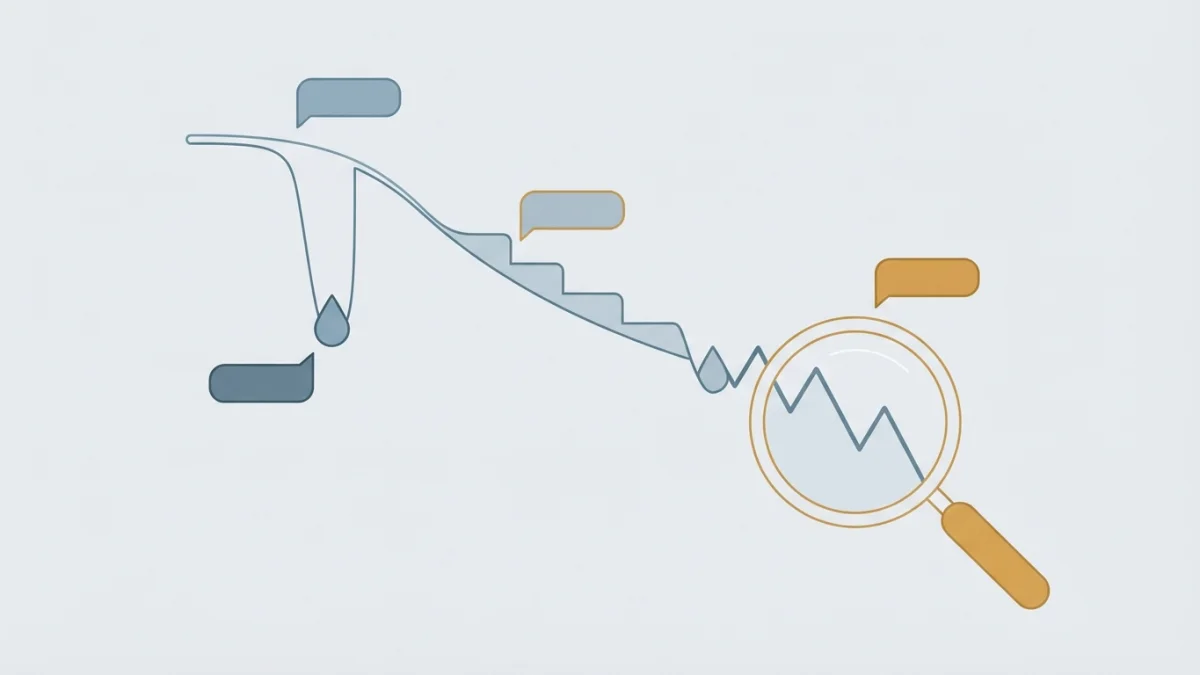
Table of contents
Every morning you open Search Console and the line has dropped. A search traffic drop triggers panic, and the first impulse (rewrite the site, change the domain, buy links) is usually the worst move. This is the official sequence to find out what actually happened, with data and in order.
First, rule out the false alarm
Before you look at a single URL, confirm the drop is real. Google documents two scenarios where the line falls while nothing is broken on your site: data glitches and seasonality.
Data anomalies: when the glitch is Google's, not yours
Search Console keeps a data anomalies panel, and the official guidance is blunt: a drop may be related to a change in data processing or a logging error. Before you touch anything, check that panel and the Search Status Dashboard, which logs ranking and indexing incidents.
The usual false drops:
- Google Analytics tag broken, duplicated or not firing on one specific template.
- A new cookie consent mode that measures less without any real traffic loss.
- A new internal filter in Analytics (an IP, a country or internal traffic that used to count).
- A migration to another property: the new view starts from zero.
- A reporting glitch: the official doc draws this one with a flat line. It is a cause to rule out, not a comfortable excuse.
One-minute cross-check: if impressions hold steady and Google Analytics drops too, suspect your measurement; if Analytics does not move and only Search Console falls, look at crawling and indexing, which is where server log analysis helps.
Seasonality: look at 16 months before concluding anything
In the Performance report, open the date filter and pick Last 16 months. That shows whether the drop is actually a pattern that repeats every year around holidays or seasons.
Google separates seasonality from shifting interest, and suggests testing it with Google Trends. A lesser-known trick: compare the exact query you lost. If that query dropped for everyone, it is not your site's fault and there is nothing to fix.
The six causes of a search traffic drop you need to investigate
The official list, with nothing added:
- An algorithmic update (a core update or a smaller one). The pattern matters: losing two positions (from 2 to 4) may reverse on its own, and Google recommends avoiding radical changes if your page is performing well. A large drop (from the top 10 to 29) calls for re-evaluating the whole site; the plan lives in how to recover from a Google core update.
- A technical problem with crawling, indexing or the server: availability failures, errors reading robots.txt, page not found. Scope is the clue: if the whole site falls at once, look at the server or a global block; a
noindexleft on one template gives a slower decline because it depends on re-crawling. Background: technical SEO and 404 and soft 404 errors. - A security problem (malware or phishing): Google may show warnings or interstitial pages before visitors reach your site, and that warning takes the clicks. Check the Security issues report.
- A spam problem: when content breaks the policies, automated systems can demote it and a human review can end in a manual action. Check Manual actions and, if it applies, how to recover from a Google penalty.
- A site move or URL change: fluctuations are normal while Google re-crawls and re-indexes. A medium site usually needs a few weeks and a large one takes longer. If it does not recover, review the typical migration mistakes.
- Seasonality and shifting interest, already ruled out in the previous block.
Primary source: Google's guide on debugging drops in Google Search traffic.
Diagnosing a search traffic drop in Search Console in 7 steps
- Confirm the drop in the Performance report and split the symptom: if clicks and impressions fall together, you are in the list above; if only clicks fall, the problem is appeal, not visibility.
- Widen the range to 16 months. For more history, use bulk exports or the Search Analytics API, as Google recommends.
- Compare against an equivalent period (3 months versus the previous period, or versus last year) and open every tab: queries, pages, countries, devices and appearances.
- Filter by search type (Web, Images, Video, News). It rules out half a dozen hypotheses in ten seconds: if the drop is only in Images, do not go hunting for links.
- Treat average position with care: Google says not to focus too much on it, because impressions and clicks are the measure of success. That said, a dramatic and persistent drop does force you to evaluate content quality.
- Look for the pattern in pages: sort the pages table by click difference. Whole-site drop, go to Page indexing; a group of pages, inspect a handful of URLs; a single page, the problem is that page.
- Cross-check the calendar: Status Dashboard, manual actions, security issues and, since June 2026, the generative AI performance report. Impressions are split across classic results and AI features, so a decline in Web can be redistribution rather than loss.
Decision tree: from symptom to action
| Symptom | Likely cause | Where to look | First action |
|---|---|---|---|
| Clicks and impressions fall site-wide, right around an update | Algorithmic | Performance report and calendar | Re-evaluate content quality |
| Impressions fall and pages drop out of the index | Technical or indexing | Page indexing and Crawl stats | Fix it and request re-crawling |
| Only clicks fall and impressions hold | SERP appeal | Title, description and appearances | Rewrite title and meta description |
| Drop only in one country or language | International or performance | Segmented Performance report | Review versions and redirects |
| Drop only on mobile | Mobile experience or technique | Device report and Core Web Vitals | Audit the mobile version |
| URLs or the domain changed just before | Site move | Migration errors | Check redirects and request re-crawling |
| One query fell and it also fell for everyone | Demand, not punishment | Google Trends | Do nothing |
What to do next (and what never to do)
By cause: three actions, three timelines
- Technical: fix, verify and request re-crawling. You can check it within days.
- Algorithmic: re-evaluate content across the whole site, make considered changes and be patient. Google talks about days, weeks or months, and warns there is no guarantee of a noticeable impact.
- Spam or security: clean it up, correct it and request a review.
The five panic mistakes
- Blocking everything with
noindexor robots.txt just in case, on day one: that destroys what still works. - Changing domain to start clean: it stacks a migration on top of the problem.
- Buying links or publishing fifty AI articles to compensate: it skirts the spam policies and muddies the diagnosis.
- Redesigning the whole site with no hypothesis and no measurement: without a baseline you will never know what caused what.
- Not documenting anything: with no date, segment and metric for the change, a diagnosis is impossible.
Honest close: a drop is not fixed, it is diagnosed. Sometimes the right answer is to do nothing, because the content now ranking above yours is simply better. Google says it without sugar-coating: if there is more deserving content, it will continue to rank well.
From drop to opportunity: the bubble chart
The same report reveals opportunities too. Pull Search Console into Looker Studio and build a bubble chart: average position on the inverted vertical axis, CTR on the horizontal, size for clicks and colour for device, as documented in Google's guide to the Search Console bubble chart.
The mean and median lines create four quadrants: high position with high CTR (leave it alone), low position with high CTR (expand or create the page), low position with low CTR (it misses the intent) and high position with low CTR (fix the title and meta description). It is a hint, not a promise: no chart lifts rankings on its own.
10-point diagnosis checklist
- Is it a data glitch? Data anomalies panel and Status Dashboard.
- Does the drop repeat every year? Compare 16 months against last year.
- Is only my site down, or the whole query? Google Trends.
- Are clicks and impressions both down, or only clicks? Performance report.
- Web, Images, Video or News? Search type filter.
- Whole site, a group of pages or one page? Pages table sorted by click difference.
- What broke? Page indexing, Crawl stats and URL Inspection.
- Is there a manual action or a security issue? The matching reports.
- Were URLs or the domain changed just before? Migration errors.
- Does it line up with an update? Status Dashboard calendar and, since June 2026, the generative AI report.