404 and soft 404 errors: what they are, how to find them in Search Console, and when to fix them
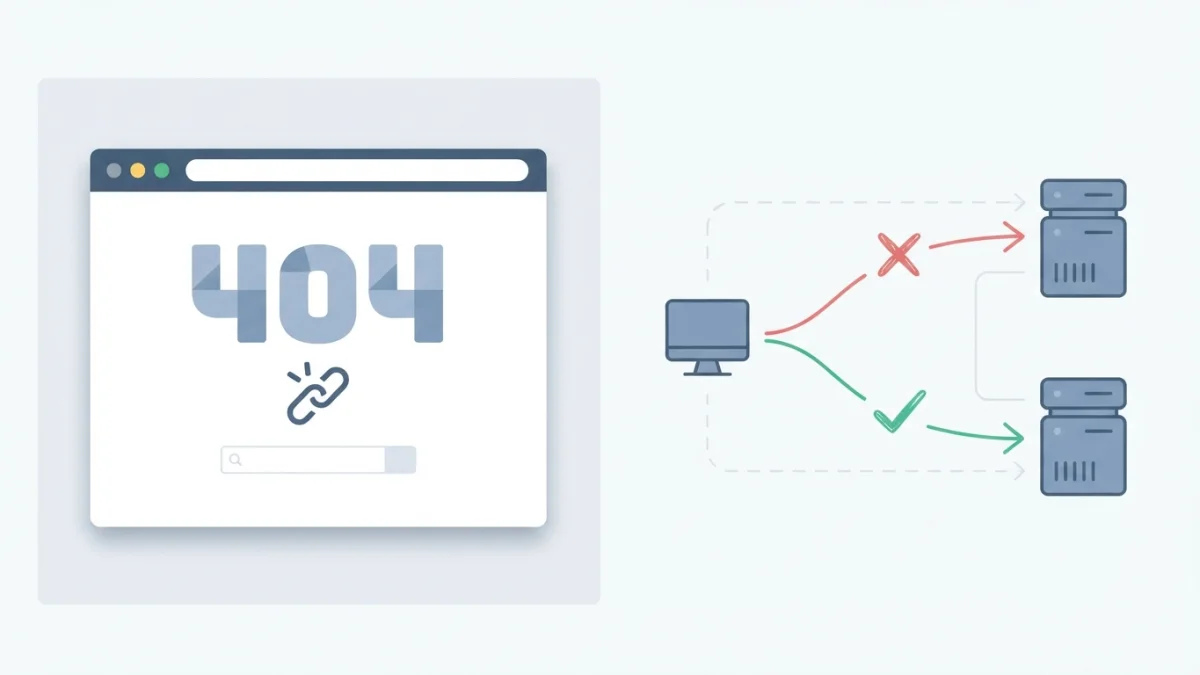
Table of contents
404 errors scare site owners, but most are a normal part of the web. A soft 404, a page that returns 200 while showing nothing, does confuse Google. Learn how to find them in Search Console and when to fix, redirect, or leave them alone.
What is a 404 error (and why it's not your enemy)
A 404 error is the HTTP "Not Found" response the server sends when the requested URL does not exist: the page was deleted, the address was mistyped, or someone linked to the wrong URL. If you type a made-up address into your browser, the server answers with status code 404 and, depending on how the site is configured, you see an error page.
Google's official position is clear and has not changed for years: 404 errors do not affect your site's search performance and do not harm its indexing or ranking. If a URL does not need to exist, you can safely ignore its 404. Even Google has 404s on its own sites, as John Mueller explained on the official Search Central blog back in 2011, and that remains the current stance.
404 vs 410 Gone
The 410 Gone status says exactly the same thing as the 404 ("this does not exist") but adds a nuance: it states the resource was removed on purpose. Google currently treats both codes the same way, so the difference is not about ranking but about intent: if you permanently deleted something and do not want Google to try again soon, 410 is a clearer signal.
What is a soft 404 (and why this one matters)
A soft 404 is, according to Google's official developer documentation, a URL that responds with a 200 (success) status code but shows the user that the page does not exist, or an empty page with no main content. In other words: the server says "all good" while the page says "this is not here".
That is the problem: browsers and search engines believe the load succeeded, but the real experience is an error. Google detects that the page provides nothing, excludes it from Search, and may end up treating it as low-quality content. That is why a soft 404 matters far more than an honest 404.
Common causes of soft 404s
The official documentation lists several typical causes: a missing server-side include file, a broken database connection, empty internal search results, or JavaScript that fails to load or is missing. In practice, soft 404s also come from single-page applications that return 200 for every route, templates that render "not found" without changing the status code, blanket redirects to the homepage with a 200, and nearly empty pages.
Soft 404, thin content and real 404: don't confuse them
Each problem has its own fix, and applying the wrong one wastes time. A thin page that is indexed and has real content is not a soft 404: you treat it with more content or content pruning. A real 404 is an explicit server response. The soft 404 is the middle case: the response says 200 but the content says there is nothing.
How to find 404 and soft 404 errors
You do not need to dig through raw logs: Search Console plus your own crawler covers practically every case.
The Page indexing report in Search Console
Open Search Console and go to Indexing > Pages. Under "Not indexed" you can filter by the reason "Not found (404)" and by "Soft 404". Google surfaces the soft 404 in this report when its algorithms detect, from the page content, that it is really an error. One useful detail: 404s disappear from the report after about a month if the URL keeps returning 404, so the report tends to clean itself up. If you are new to the panel, our guide on how to use Google Search Console to improve your SEO is a good starting point.
URL Inspection (live test)
The URL Inspection tool shows you the real HTTP status code the page returns and the rendered version exactly as Googlebot sees it. That makes it the key tool for diagnosing a soft 404 on a page that "does exist": blocked resources, JavaScript that does not load, or an empty render are easy to spot here.
Crawl your own site with a crawler
A desktop crawler such as Screaming Frog walks your internal links and finds broken ones or soft 404s that Search Console has not processed yet. Complement that with the external links report in Search Console to detect third-party URLs pointing to pages that no longer exist on your site.
How to fix each case (Google's decision tree)
The official documentation lays out a decision tree with three cases. The key is answering with the right status: 404 or 410 if it does not exist, 301 if it moved, and never 200 with empty content.
Case 1: The content is gone and there's no replacement
Respond with 404 or 410, never with 200. If the removal is permanent and you want to make clear you will not bring it back, use 410; for a normal deletion, 404 is enough. Both tell search engines: "do not index this".
Case 2: The content moved or has an equivalent replacement
Set up a 301 redirect from the old URL to the new one. If you need a refresher, we have a full guide on the 301 redirect and why it matters for SEO. That said, do not redirect everything to the homepage: Google warns that redirecting to another page instead of returning a 404 can be problematic, because the homepage receives traffic that does not match its content and the whole thing reads like one giant soft 404.
Case 3: The page still exists but Google flags it as a soft 404
Diagnose it with URL Inspection: if the rendered page looks empty or shows an error message, the problem is usually resources that fail to load: blocked by robots.txt, too many resources, server errors, or files that are too large and slow. Fix the rendering, let Google crawl again, and request indexing once more.
410 Gone or 404 Not Found: which one to return
Google's documentation says it plainly: it currently treats 410s the same as 404s, with no ranking difference. There is a practical nuance worth knowing honestly: an experiment by Reboot Online across 119 URLs over more than three months observed that 404s were crawled about 49.6% more than 410s. It is a single experiment, not doctrine, but it suggests that for permanent deletions 410 reinforces "do not come back", while for everything else 404 is enough. What you should never do is return 200 or blanket-redirect.
Design a 404 page that helps your users
Google recommends building custom 404 pages that are useful for people, as long as they respond with a real HTTP 404 status code (the error page itself is not indexed). A good 404 page includes: a clear message that the URL does not exist, a search box so visitors can find what they were after, links to the main sections, and a way to contact you. Turning a dead end into a mini-homepage improves the experience, lowers frustration, and protects trust in your brand.
404 errors you should NOT fix (and why)
Not every 404 deserves work. URLs that never existed (weird typos, bot attacks, worthless old third-party links) and deleted pages with no replacement and no links pointing to them can keep their 404 forever. Investing in them is time without return. The case is different when you have weak but indexed pages with some traffic or authority: there the strategy is not leaving a 404 but consolidating before deleting, as we explain in our guide to content pruning for SEO.
Checklist: audit your 404s today
- Open Search Console > Indexing > Pages and export the "Not found (404)" and "Soft 404" reasons.
- Classify each URL with the decision tree: does the content exist, did it move, or was it deleted?
- Fix the status code on your server or CMS: 404 or 410 if it does not exist, 301 if it moved.
- Repair internal links that point to dead URLs.
- Verify the fixes with URL Inspection.
- Monitor the report for about a month: resolved 404s disappear on their own.
Handling 404s well and eliminating soft 404s does not require expensive tools: Search Console, a crawler and this decision tree are enough. When Search Console shows a list of "Not found" URLs, remember that most are harmless noise: your time pays off better hunting the soft 404s hiding behind a 200 status code.