Shopify SEO: setup, duplicate content, and a catalog AI can read
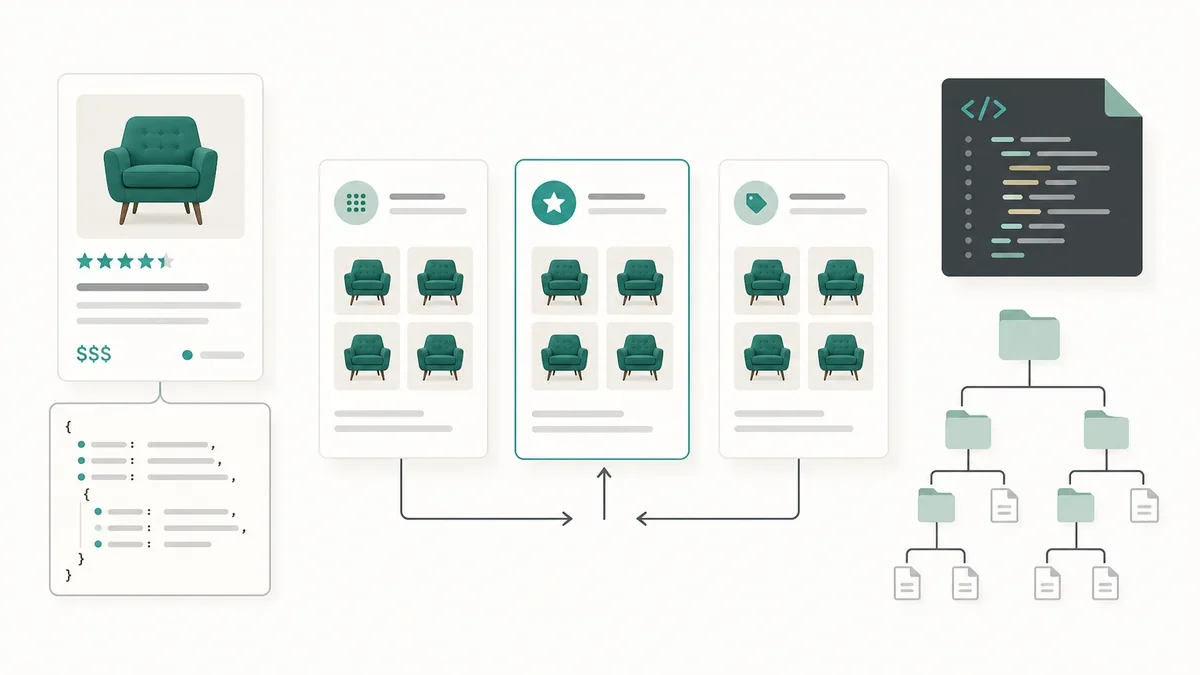
Table of contents
Shopify SEO rarely fails where you think. Open your store's source and most of it is already there: canonical tags, sitemap, robots.txt, even hreflang. What fails is collections repeating the same products, and a catalog AI agents read only halfway.
What Shopify SEO already does for you (and what it doesn't)
A brand new store is not "without SEO". Shopify generates a default robots.txt that works for most stores, publishes a sitemap that updates itself and, with Markets enabled, adds hreflang for every market. The Dawn theme and its derivatives print the canonical tag from canonical_url in layout/theme.liquid.
What nobody configures for you is the content. The real work sits in duplicates, markup and catalog, not in installing an SEO app.
What ships configured
- HTTPS and CDN on every domain and market.
/robots.txtwith private routes already blocked.- A sitemap index at
/sitemap.xmlwith sub-sitemaps per content type. - Automatic
hreflangwith Markets. ProductorProductGroupmarkup if your theme is Dawn or a derivative.
What nobody configures for you
- Titles and meta descriptions written page by page.
- Real text on the collections you want to rank.
- Product copy that didn't come from the supplier.
- Internal links between collections and products.
- 301 redirects when you rename a product.
- Shipping and returns inside the structured data.
Titles and descriptions: ten minutes per page
Every product, collection, page and article has its own SEO title and meta description fields in the admin. The theme prints them through page_title and page_description, as documented in Shopify's metadata guide. Leave them empty and the template falls back to the product name plus the store name: hundreds of titles with the same suffix, which Google ends up rewriting, as we covered in SEO titles and title tags. The rule: product first, benefit second, then a description of what it is, who it's for and what makes it different.
A collection without text is an empty page
A collection that only shows a product grid competes with another collection's grid, and neither carries any meaning. Two or three paragraphs of your own (what it includes, how to choose, who it's for) turn it into a page with a point of view. If there is nothing to say, that collection probably shouldn't be a landing page.
Product copy you pasted from the supplier is already indexed
If most of your catalog uses the manufacturer's text, Google already read it on other stores. Rewriting the twenty products that actually sell pays better than rewriting four hundred.
Duplicate content: the three places that matter
One clarification first: a product sitting in six collections does not duplicate anything, it is still a single URL. Duplication appears when the same grid exists on several URLs. The general framework is in copied content and scraping.
Collections listing the same products
The virtual all collection, the automatic ones built by tag, type or vendor, and the "featured" collections an app creates all compete for the same query. Keep indexed the ones with search intent and content of their own; consolidate the rest with a canonical or leave them out of the index.
Parameters: variants, filters and sorting
?variant=, ?sort_by=, ?page= and tag filters produce endless combinations. Google is explicit about faceted navigation: if those URLs don't need to be indexed, robots.txt to block crawling; if they should be crawled but not compete, a canonical to the clean version. We go deeper in faceted navigation and SEO.
Handles: changing a URL kills what was ranking
Rename a product or a collection and Shopify changes the URL; the old one dies. Before touching the handle, create the 301 redirect in URL redirects inside the admin. It is the mistake that bleeds the most traffic on a store that already sells, and the same argument as in SEO-friendly URLs.
Pagination and canonical: one URL per page
Google's guidance is explicit and counterintuitive: each page of a paginated sequence needs its own canonical URL, and page 2 should not be canonicalized to page 1. Nor should pages 2, 3 and 4 get noindex. If your theme canonicalizes everything to the first page, you are asking Google to ignore the rest of the catalog.
Two-minute check: open /collections/your-collection?page=2, look at the link rel="canonical" and confirm it points at itself; an SEO app can get it wrong. And pagination is discovered through real a tags, not JavaScript: a "load more" button with no links leaves products out of the index.
robots.txt: what Shopify blocks and when to touch it
The generated file already blocks what it should: /admin, /cart, /checkout, /orders, /account and the web pixel manager.
You can replace it with a robots.txt.liquid file in the theme's Templates folder, but that file replaces the generated output entirely: save a copy of the current /robots.txt before publishing. It only accepts the Liquid objects robots, group, rule, user_agent, sitemap and request, per Shopify's robots.txt documentation.
What you don't do: block CSS or JavaScript (it breaks rendering) or block ?page= (it drops products from the index). The underlying principles are in how to write a correct robots.txt. If you generate sitemaps of your own, declare them with a Sitemap: line in the same template.
Your sitemap: what's inside
Shopify publishes an index at /sitemap.xml that chains sub-sitemaps for products, collections, pages, blogs and articles; on large stores, products are split into blocks with ?from= and ?to=. Submit it in Search Console: plenty never did. Limits and formats live in sitemap index and limits.
One newer detail: the index now includes a sitemap_agentic_discovery.xml pointing at /agents.md. If the file returns a 404, it is almost always a misconfigured domain.
Product markup: what your theme outputs and what's missing
Dawn prints product | structured_data inside a script type="application/ld+json". That Liquid filter emits Product when the product has no variants and ProductGroup when it has one or more:
{
  "@context": "https://schema.org",
  "@type": "ProductGroup",
  "name": "Basic t-shirt",
  "brand": { "@type": "Brand", "name": "Your brand" },
  "description": "",
  "category": "",
  "hasVariant": [ "..." ],
  "offers": { "@type": "Offer", "priceCurrency": "EUR", "availability": "..." }
}
Look at the detail: if the product has no description or category filled in, the JSON-LD ships with "description":"" and "category":"". Valid but empty, and it tells Google nothing. For a merchant listing, Google asks for a nested Offer with a decimal price and priceCurrency; with variants, ProductGroup with variesBy, hasVariant and productGroupID.
What Shopify doesn't add: shipping and returns
The filter emits neither shippingDetails nor hasMerchantReturnPolicy, the properties that enable free-shipping and returns annotations. Add them via metafields or an app.
Verifying instead of trusting
Paste the product URL into the Rich Results Test and check whether it detects Product or ProductGroup and which warnings appear; an older theme may emit nothing, and then the markup has to be added. Watch the duplicate-markup trap: a review app that injects its own AggregateRating creates two conflicting blocks. One block per product, one review source.
Markets and languages: automatic hreflang (and when to turn it off)
With Shopify Markets, Shopify adds the hreflang tags itself through the content_for_header object and keeps them aligned with each page's canonical, as explained in Shopify's hreflang guide. Turn them off under Online store, Preferences, "Automatic hreflang tags".
When to turn them off: when your theme or an app already outputs its own. Two sources at once produce duplicate or conflicting annotations, and that does hurt. If you write them by hand, build them from the localization object, never from hardcoded handles: a product handle changes per language.
The new layer: agents.md, llms.txt and UCP
A standard Shopify store now serves /agents.md, the same document at /llms.txt and /llms-full.txt, and a /.well-known/ucp declaring the protocol profile and the checkout MCP endpoint. The agents.md explains to an agent how to buy: catalog, cart and accelerated checkout.
What do you control there? Little: almost everything comes from the store's own data. The practical translation is that the SEO moving this layer is the usual work: complete product pages, correct prices and stock, written policies, coherent categories. Neither agents.md nor llms.txt is a ranking factor in Google; they are the front door for other agents, as we covered in llms.txt and SEO and in making your site agent-ready.
An eight-point checklist
- Sitemap submitted in Search Console.
- Your own titles and descriptions on the twenty pages that bring traffic.
- Real text on the collections you want to rank.
- Page 2 canonical checked.
- Filters and
?sort_by=decided: crawl or consolidate, not both. - 301 redirects in place before touching a handle.
- Rich Results Test on a product with variants.
- Core Web Vitals on mobile, including LCP and image weight in WebP and AVIF.
Shopify SEO is not won with plugins. It is won by deciding which URLs deserve to exist and filling the ones that stay.