How to make your website agent-ready: a 2026 guide (WebMCP and accessibility)
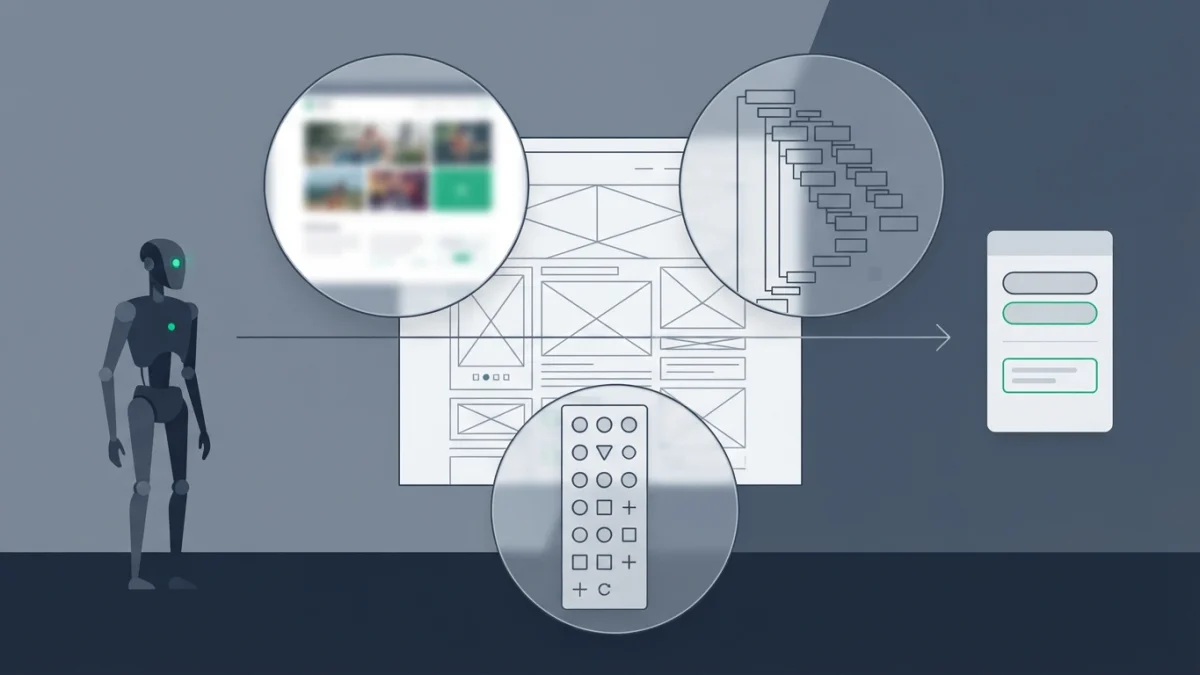
Table of contents
The AI agent visiting your site does not see your design: it reads the DOM, the accessibility tree and screenshots, and it does not want to read you, it wants to complete a task. Making your website agent-ready is, above all, staying out of that visitor's way.
This guide collects what Google and Chrome document today about agent-ready sites, with one warning up front: none of this is a ranking factor.
What an AI agent is (and how it differs from a crawler)
Google's guide to generative AI features defines them as autonomous systems that can perform tasks on behalf of people, such as booking a reservation or comparing product specifications. They come to your site to gather that data by analyzing screenshots, the DOM and the accessibility tree.
Where they come from today: Google-Agent, the user agent of agents hosted on Google infrastructure that navigate the web on user request; automatic browsing in the browser, which asks for confirmation on sensitive actions; and Business Agent, the conversational experience with a brand from Search.
The keyword of this article is actuation: an agent simulating clicks and text input as though it were the human user. Crawling is reading; actuating is touching your interface.
Crawler, agent and training bot: three different things
| Visitor | What it does | How it is controlled |
|---|---|---|
| Crawler (Googlebot) | Discovers and indexes pages | robots.txt and indexing directives (robots.txt in 2026) |
Training bot (GPTBot) | Takes content into datasets | robots.txt by user agent |
Agent with a human behind it (Google-Agent) | Navigates and performs complete actions | Your interface, your WAF and cryptographic verification |
Until recently everything was decided in robots.txt. Not with agents: user-triggered fetchers generally ignore those rules, and there is no eligibility requirement to appear in agentic experiences.
How agents see your site: screenshots, DOM and accessibility tree
The agent-friendly websites guide frames it as three combined modalities: screenshots with a vision model, slow and expensive in tokens; the HTML and the DOM, where nesting defines relationships (if "Buy" sits inside the product card, the agent assumes it belongs to that product); and the accessibility tree, which summarizes roles, names and states and ignores the visual noise of CSS.
They are combined because each channel leaves gaps: a div that looks like a button, or a button whose action cannot be understood.
Eight interface rules that make your site legible to an agent
- Every required action must be reflected in the interface.
- Stable layout: if "Add to cart" moves around, the agent gets lost.
- No ghost elements or transparent overlays on interactive content.
- Semantic HTML:
buttonandabefore a styleddiv. - If you cannot, provide
roleandtabindex. cursor: pointerin CSS: a signal of clickability.label forto bind label and field.- Enough visible area on the elements of the flow.
The last item carries the striking number: the guide asks for a visible area larger than 8 square pixels so visual analysis does not filter the element out. The accessibility standard asks for 24x24 CSS pixels (WCAG 2.2, 2.5.8): aiming at people leaves you far ahead.
The accessibility tree is your best agent-readiness audit
It can be previewed in Chrome DevTools (Accessibility panel) and shows what the agent reads. It is the cheapest audit there is, and everything you fix there also improves the site for people: it overlaps with web accessibility.
WebMCP: declaring your actions instead of hoping the agent guesses
WebMCP is Chrome's proposal to expose structured tools to agents: instead of an agent inspecting a button to infer its purpose, the website declares it. It brings discovery with standard names, JSON schemas with explicit inputs and outputs, and page state.
The flow: your site declares the tool, the agent injects structured arguments and your code does the rest, with the user in the loop to confirm. Chrome summarizes it as more reliable than step-by-step actuation.
The two ways to declare a tool
Imperative API: document.modelContext.registerTool({ name, description, inputSchema, execute }). It requires a name, a description and a schema, and unregisters through an AbortSignal or, since Chrome 153, without breaking in-flight executions.
Declarative API: attributes on a standard form, no JavaScript. toolname names the tool and tooldescription states what it does, as in <form toolname="createSupportRequest" tooldescription="Submits a request for customer support.">. It is in origin trial since Chrome 149: an experiment, not a requirement.
Best practices (and costly mistakes) when defining tools
- One function per tool and static registration by default: two identical tools confuse the agent.
- Unregister it when it stops being useful in that page state.
- Honest verbs:
create-eventcreates the event;start-event-creation-processtakes you to the form. - Do not make the model calculate: accept the raw input ("from 11:00 to 15:00") and specific types.
- Explain your decisions:
shipping="Express"beatsshipping_id=1. - Reliability: graceful failure on rate limits and descriptive errors.
- Context cost: every tool consumes context window.
Security and limits: what WebMCP is not
consequentialHint flags actions with real consequences so the browser asks the user to confirm, and readOnlyHint those that do not change state. Other websites and iframes cannot see your tools, and registration only works with origin isolation. Chrome acknowledges three limits: human-in-the-loop flows, complex interfaces and discovery only by visiting the site. WebMCP is not structured data either, which still earns rich snippets.
Agentic commerce: what UCP is and what it means for a store
If you sell online, the piece of 2026 is the Universal Commerce Protocol (UCP), an open standard Google presents to enable agentic actions on AI Mode and Gemini, starting with direct buying. It declares catalog, cart, checkout and orders, is compatible with AP2 and uses MCP and A2A as transports. Its pitch: staying the merchant of record and reusing your Merchant Center feeds.
If it is still out of reach, the useful move is not being the link that breaks the chain: accurate product data, unambiguous product pages and checkouts with no hidden steps. UCP and AP2 are still evolving: describe the protocol and do not promise that agents will buy from your store.
Allowing and verifying: Google-Agent, Web Bot Auth and your WAF
Google publishes the list of user-triggered fetchers with their real user agents, including Google-Agent, and confirms they generally ignore robots.txt. Their IP ranges live in a JSON file that is regenerated often: the lever to allow them is your WAF, not a robots.txt line.
The experimental piece is Web Bot Auth: agents cryptographically sign their requests. A subset of Google-Agent requests is signed and authenticates as https://agent.bot.goog, with a public key you should cache and prune. Google does not sign every request: it recommends continuing to verify IP, reverse DNS and user agent.
The costly mistake: a WAF that returns 403 to anything containing "bot" breaks legitimate agents and can break search. Cross-reference user agent, IP and reverse DNS in your server logs instead of trusting the bot's name: the method is in the server log analysis guide.
What not to do (and what you do not need to believe)
- Do not build agent-only pages: hiding things for a bot is cloaking and falls under spam policies.
- Do not block by reflex: the indiscriminate 403 is the most common misconfiguration.
- Do not sell this as mandatory: Google frames it as something for when you have extra time.
- Do not confuse it with getting cited in AI answers (GEO), and do not promise agent outcomes: there are no official figures.
Checklist: how to make your website agent-ready in 8 steps
- Audit the accessibility tree of your home page in Chrome DevTools.
- Replace clickable
divelements withbuttonanda. - Label your fields with
label forand test the forms without the surrounding design. - Stabilize the layout: the same button, in the same place, in every variant.
- Enlarge the clickable areas to the 24x24 CSS pixel minimum.
- Look for
Google-Agentin your logs and check which path it requests. - Confirm at your WAF that you are not returning 403 to legitimate agents.
- Ask an agent, or a person using a screen reader, to complete your key task and write down where they get stuck.
Making a website agent-ready is not a new trick: it is going back to basics, semantic HTML, a stable interface and clear actions, and it pays twice because it also improves the experience for people. WebMCP and UCP are the part that is coming; accessibility is the part you can fix today.