Pagination SEO: A Practical Guide to Getting Paginated Pages Indexed
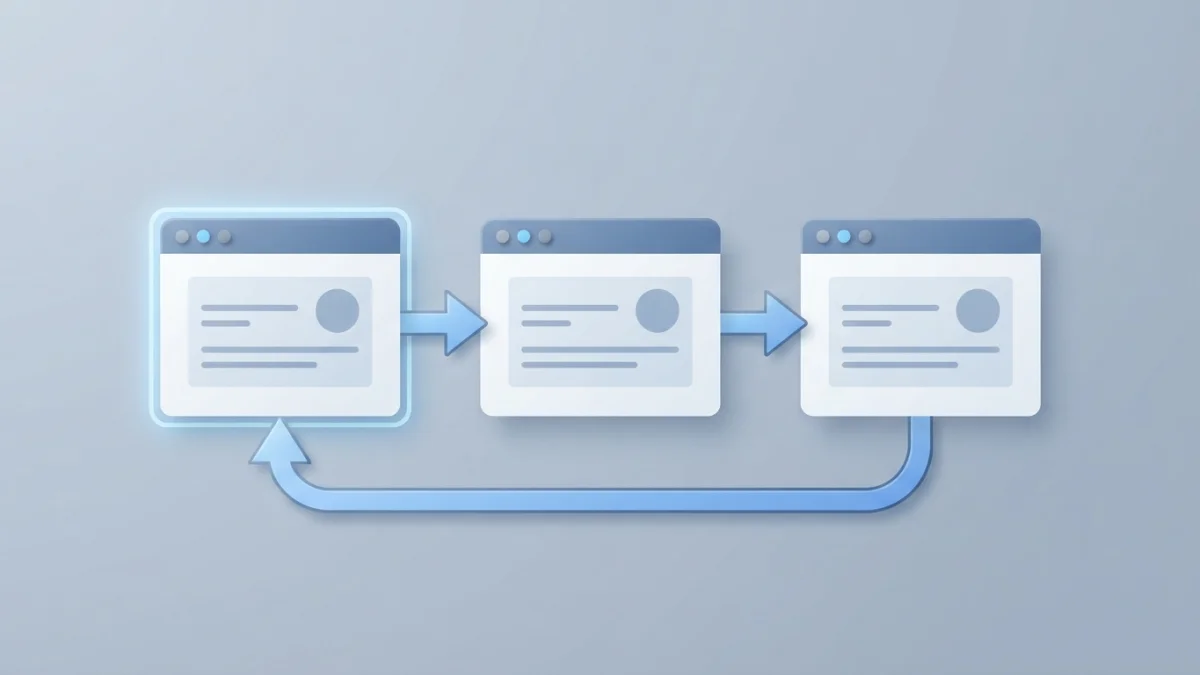
Table of contents
Are your paginated lists underperforming in Google? Pagination SEO is not the problem: rel=next/prev has been retired since 2019, yet the classic canonical-to-page-1 mistake lives on. A practical guide to Google's official rules and a 10-minute audit checklist.
What Pagination Is in SEO and Why It Matters
Pagination splits a long list into several pages connected by links. When a category holds 500 products or a blog accumulates hundreds of posts, showing everything on a single URL is not viable: load times spike. Almost any site ends up generating series like /page/2 or ?page=2.
Pagination matters in SEO because it affects three fronts: how Google spends its crawl budget, which URLs enter the index, and which page of the series becomes your entry point. There is also a lot of outdated information still circulating, especially around rel=next and rel=prev.
Where You'll Find It: Blogs, Shop Categories, Forums, Internal Search Results
The typical cases: a blog whose monthly archive generates 10 pages; a shop with the "dresses" category paginated into /page/2; a forum with threads that stretch across 50 pages; and internal search results with "load more" buttons or infinite scroll.
Google Treats Each Page in a Series as an Independent Page (Not as Duplicate Content)
The pages of a series are not duplicate content: each one shows different products or posts, has its own URL, and Google indexes them on their own merits. The fear of "duplicates" leads to mistakes such as mass noindexing.
The Big Change: Google Retired rel=next/prev
If you read SEO guides older than five years, you were probably taught to mark up series with the <link rel="next"> and <link rel="prev"> tags. That recommendation is obsolete.
From 2011 to 2019: The Story of a Standard Google Quietly Stopped Using
Google introduced rel=next/prev around 2011 to help search engines understand series. For years the official documentation recommended using them. The reality, admitted by Google itself, is that it had stopped using them as an indexing signal long before.
The Official Confirmation: John Mueller and Google Webmasters (March 2019)
In March 2019 Google announced the retirement. John Mueller confirmed it: Google had not been using rel=next/prev in indexing for years, so it decided to remove the documentation. The news was covered by Search Engine Journal and Search Engine Land, with a nuance: Google "mostly just indexes the pages as it finds them", so every page should stand on its own.
What It Means Today: No Benefit for Google, Though Other Search Engines Still Read It
You do not need to remove them urgently if you already have them, but you should not expect benefits from adding them: Google no longer uses them, although other search engines may still read them. Tools like Yoast apply sensible pagination rules in WordPress, including the debate of whether page 2 should canonical to page 1 or to itself.
Google's Official Rules for Pagination (Current in 2026)
The reference guide is "Pagination and Incremental Page Loading" from Google Search Central, updated in December 2025; from it we can extract four rules.
Rule 1: Link Pages Sequentially and Back to the First Page
Every page should link with <a href> to the next one, and the first page to the second. Google also recommends linking all pages back to the first: it is a hint that the first page might be a better landing page. This fits the principles of internal linking.
Rule 2: Unique URLs, a Self-Referencing Canonical per Page, and Never URL Fragments (#)
Every page in the series needs its own unique URL (?page=n) and its own canonical pointing to itself: "give each page its own canonical URL". The classic mistake of pointing page 2's canonical to page 1 is the opposite of what Google asks for. And never use URL fragments (#page=2): Google ignores them.
Rule 3: Titles May Repeat Across the Series
Titles and meta descriptions may repeat across a series: page 2 of a category can share the title of page 1 because both represent the same listing in different segments. This does not conflict with good title tag length practices.
Rule 4: Keep Filter and Alternative Sort-Order URLs Out of the Index (noindex or robots.txt)
Filters and alternative sort orders generate variants of the same listing (?order=price) that add no value to the index. Google recommends blocking them with noindex or robots.txt. The second option is covered in our guide to the robots.txt file.
Pagination, Load More, or Infinite Scroll: What to Choose for SEO
Besides classic pagination there are two other patterns: the "load more" button and infinite scroll. Google compares them with a pros and cons table, and the right choice depends on your case.
Google's Pros and Cons Table (Visible Result Size, Scale, Scrolling Fatigue)
Classic pagination shows the total size of the result set and the user's position, at the cost of one extra click per page. Load more keeps everything on a single page but does not scale well. Infinite scroll is the most intuitive but causes scrolling fatigue and leaves the total size unclear.
Googlebot Doesn't Click Buttons or Scroll: The href Rule
There is a constraint that conditions everything: Google's crawlers don't click buttons and don't trigger JavaScript that requires a user action. Google discovers URLs in the href attribute of <a> links.
How to Make Load More and Infinite Scroll Crawlable (an Underlying Paginated Series + History API)
The recommended solution, still cited by Google, is to keep an underlying paginated series with real URLs even when the interface uses load more or infinite scroll. Each content load updates the URL with the History API, real <a href> links point to the pages of the series, and the content is accessible without JavaScript. The historical foundation: Google's article on search-friendly infinite scroll.
Common Pagination Mistakes (and How to Fix Them)
If your pagination is underperforming, it is almost always because of one of these four mistakes.
Page 2's Canonical Pointing to Page 1 (the Classic Mistake)
This is the most widespread error: setting the canonical of every inner page to the first page. Today it is counterproductive: you tell Google that page 2 does not exist and you lose the chance to appear in specific queries. The fix is a self-referencing canonical on every page.
noindex Across the Whole Series Out of Fear of Duplicate Content
Noindexing everything from the second page onward throws away perfectly indexable pages: they are not duplicates, they are independent. Our article on duplicate content myths and realities explains why the fear is usually unfounded.
Pagination With URL Fragments or AJAX Without Real URLs
Numbering with fragments (#page=2) or loading content via AJAX without changing the URL produces the same result: Google only sees one page and the rest disappears. The fix is the crawlable pattern: real URLs and href links.
Infinite Pagination and Wasted Crawl Budget
Listings that generate endless pages (automatic tag aggregations, archives without limits) can make Googlebot spend too much crawl budget on variants without value. If a listing has no reasonable end, consider limiting it.
How to Audit Your Pagination in 10 Minutes
With the rules clear, a quick audit is a matter of checking these points.
Checklist: Sequential Links, Self-Canonicals, noindex, Unique URLs, Search Console Coverage Report
- Sequential links: every page links to the next one and, ideally, all of them link back to the first.
- Self-canonicals: every page points its canonical to itself, never to page 1.
- No mass noindex: the pages of the series are indexable unless you have a concrete reason.
- Unique URLs: every page has its own URL and none uses fragments for numbering.
- Filters out of the index: sort and filter variants are blocked.
- Coverage report: in Google Search Console, check that the pages are indexed.
- Sitemap: if the series has value, make sure the relevant pages appear in your XML sitemap.
When Consolidating Into a Single View-All Page Makes Sense
Google puts it simply: users love single-page content, but multi-part content is also fine. Consolidate when the series is short or the pages are too thin. In those cases, redirect or merge and keep a single canonical.
Summary: A 5-Step Pagination SEO Checklist
- Link every page of the series sequentially and back to the first one.
- Give every page a unique URL and a canonical to itself; never use fragments.
- Do not noindex the series: paginated pages are independent, not duplicates.
- Block filters and alternative sort orders with noindex or robots.txt.
- If you use load more or infinite scroll, keep an underlying crawlable paginated series with real URLs.
Pagination SEO is not an enemy to eliminate: it is a standard structure that Google understands perfectly. The real work is in not repeating the obsolete patterns and keeping filters out of the index.